Executive Summary & Market Positioning
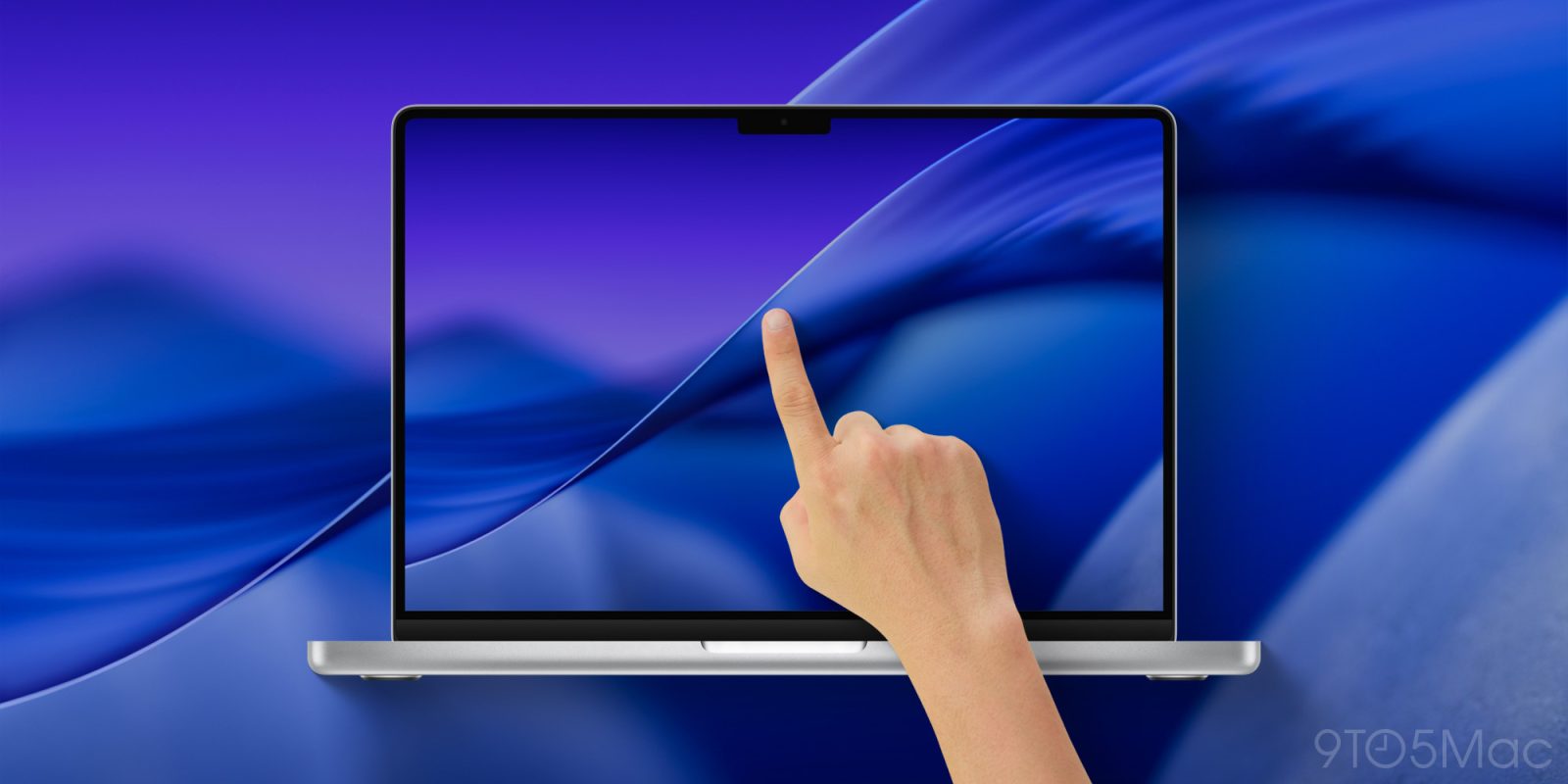
As the industry approaches the anticipated unveiling of Apple’s inaugural touchscreen Mac, the hardware community finds itself at a familiar crossroad of utility and innovation. Rumored to feature a vibrant OLED panel—potentially housing a hardware-level Dynamic Island—alongside a dramatically lightened chassis, this upcoming MacBook Pro iteration represents the most radical physical redesign of the portable Mac line in years. However, this convergence of touch input and emissive display technology inevitably introduces a severe cost penalty, with projected premiums ranging from $500 to $700 over baseline models.
This pricing dynamic forces a critical empirical question for enterprise buyers, creative professionals, and power users alike: does the leap to a tactile, OLED-driven interface provide superior functional return on investment compared to allocating those exact capital expenditures toward foundational system resources, namely doubling system RAM or expanding solid-state storage capacity? Historically, Apple’s uncompromising component pricing tiers have made memory and storage upgrades notoriously expensive. Yet, as unified memory dictates the boundary conditions of local on-device machine learning tasks and massive dataset handling, the opportunity cost of chasing novel form factors over raw compute infrastructure demands rigorous hardware scrutiny.
Core Architectural & Technological Innovations
The transition to an OLED panel on the MacBook Pro marks a paradigm shift in Apple’s portable display engineering. Unlike traditional mini-LED IPS panels, OLED offers true pixel-level luminance control, theoretically delivering infinite contrast ratios and eliminating the subtle blooming artifacts associated with multi-zone local dimming backlights. Simultaneously, the integration of a capacitive touch layer onto a high-refresh-rate Retina display introduces complex thermal, electrical, and optical challenges. The digitizer matrix must be optically bonded without introducing glare or compromising the structural rigidity of the ultra-thin glass substrate.
Conversely, internal architectural bottlenecks continue to govern real-world performance ceilings. Apple Silicon’s unified memory architecture (UMA) tightly couples high-bandwidth RAM directly to the SoC package. While this maximizes data transfer efficiency and minimizes latency for the CPU, GPU, and Neural Engine, it also locks the user into their initial memory configuration. A system constrained by 16GB of UMA will inevitably experience thrashing when executing intensive containerization, heavy virtualization, or compiling dense codebases. Therefore, while a touchscreen interface fundamentally alters human-computer interaction, it remains an input-side enhancement, whereas doubling RAM or SSD bandwidth directly impacts computational throughput and data persistence capacity.
Empirical Specifications & Benchmark Matrix
| Feature / Metric | Baseline MacBook Pro (Current) | Upcoming Touchscreen OLED Pro (Projected) | RAM / SSD Upgraded Tier | Architectural Impact |
|---|---|---|---|---|
| Display Technology | Mini-LED Liquid Retina XDR | Tandem OLED + Touch Digitizer | Mini-LED Liquid Retina XDR | Emissive pixels, infinite contrast, tactile input layer |
| Input Paradigm | Trackpad + Magic Keyboard | Trackpad + Keyboard + Touch + Dynamic Island | Trackpad + Magic Keyboard | Ergonomic versatility vs. classic desktop workflows |
| Unified Memory | 16GB / 24GB Baseline | 32GB / 48GB (Required with premium tier) | Doubled (e.g., 32GB to 64GB) | Drastically reduces swap file read/writes on SSD |
| Storage Throughput | 512GB (PCIe Gen 5) | 1TB / 2TB High-Density NAND | 2TB / 4TB Enterprise-Grade NAND | Enhances sequential/random read-write speeds |
| Estimated Price Delta | Base MSRP | +$500 to $700 Over Base | +$400 to $800 Per Tier Upgrade | Capital allocation priority conflict |
Thermal, Efficiency & Real-World Ergonomics
Integrating a touch-sensitive digitizer and an OLED panel into a lighter MacBook Pro chassis presents significant thermodynamic and power delivery hurdles. OLED panels are exceptionally efficient when rendering dark interfaces, but full-screen white reproduction at high peak luminance levels can draw substantial current, accelerating battery depletion under heavy sustained workloads. Furthermore, the inclusion of a touch layer requires careful electromagnetic shielding to prevent capacitive noise from interfering with sensitive wireless communication modules and high-speed internal data lanes.
Ergonomically, bringing touch input to a vertical clamshell laptop design has historically invited skepticism regarding user fatigue, often referred to colloquially as "gorilla arm." Unlike tablets designed for lap or handheld use, a notebook hinge is engineered to resist downward pressure. Repeatedly poking or swiping at a vertical screen destabilizes the chassis unless the hinge torque is significantly stiffened, which in turn complicates one-handed lid opening. In stark contrast, investing in doubled RAM or expanded SSD capacity operates invisibly within the thermal envelope, generating zero additional heat or mechanical wear while directly mitigating the performance degradation associated with disk paging and memory exhaustion.
The Definitive Verdict
When evaluating whether to invest capital into Apple’s upcoming touchscreen OLED MacBook Pro or to allocate those funds toward doubling RAM and storage, the optimal choice depends entirely on your primary workflow taxonomy. For UI/UX designers, digital artists, and field professionals who benefit immediately from direct manipulation and deep black-level rendering, the touchscreen OLED model justifies its anticipated $500–$700 premium as a transformative workflow accelerator.
However, for software engineers, data scientists, video editors, and enterprise power users, the touchscreen and OLED upgrade represents an expensive ergonomic luxury. For these professionals, the definitive hardware choice is clear: prioritize doubling your RAM and SSD capacity. Foundational computing resources remain the ultimate bottleneck of longevity and productivity, ensuring your machine can handle the compounding demands of modern workloads long after the novelty of a touch-enabled laptop display has faded.