Executive Summary & Market Positioning
Samsung’s release of One UI 9 represents a pivotal moment in the manufacturer’s lifecycle management strategy. By bridging the software gap between the current flagship series (S26) and its predecessor (S25), Samsung attempts to maximize the longevity of its hardware investments. This update is not merely cosmetic; it is an exercise in democratizing advanced computational photography and generative AI workflows across a broader installed base. For the S25 owner, this represents a significant ‘mid-life’ performance injection, while for the S26 series, it solidifies the architectural boundary that separates the premier flagship tier from the broader lineup.
From a market positioning standpoint, Samsung is utilizing One UI 9 to maintain high satisfaction rates among the S25 demographic, potentially delaying upgrade cycles. By providing substantial feature parity in areas like ‘My FanCam’ and contextual AI assistants, Samsung keeps its legacy devices relevant in a market rapidly pivoting toward AI-native mobile experiences. However, the selective withholding of granular camera controls in the S26 series indicates a deliberate attempt to preserve the status of the newer hardware as the definitive choice for prosumer imaging, maintaining a clear hierarchy in the Galaxy ecosystem.
Core Architectural & Technological Innovations
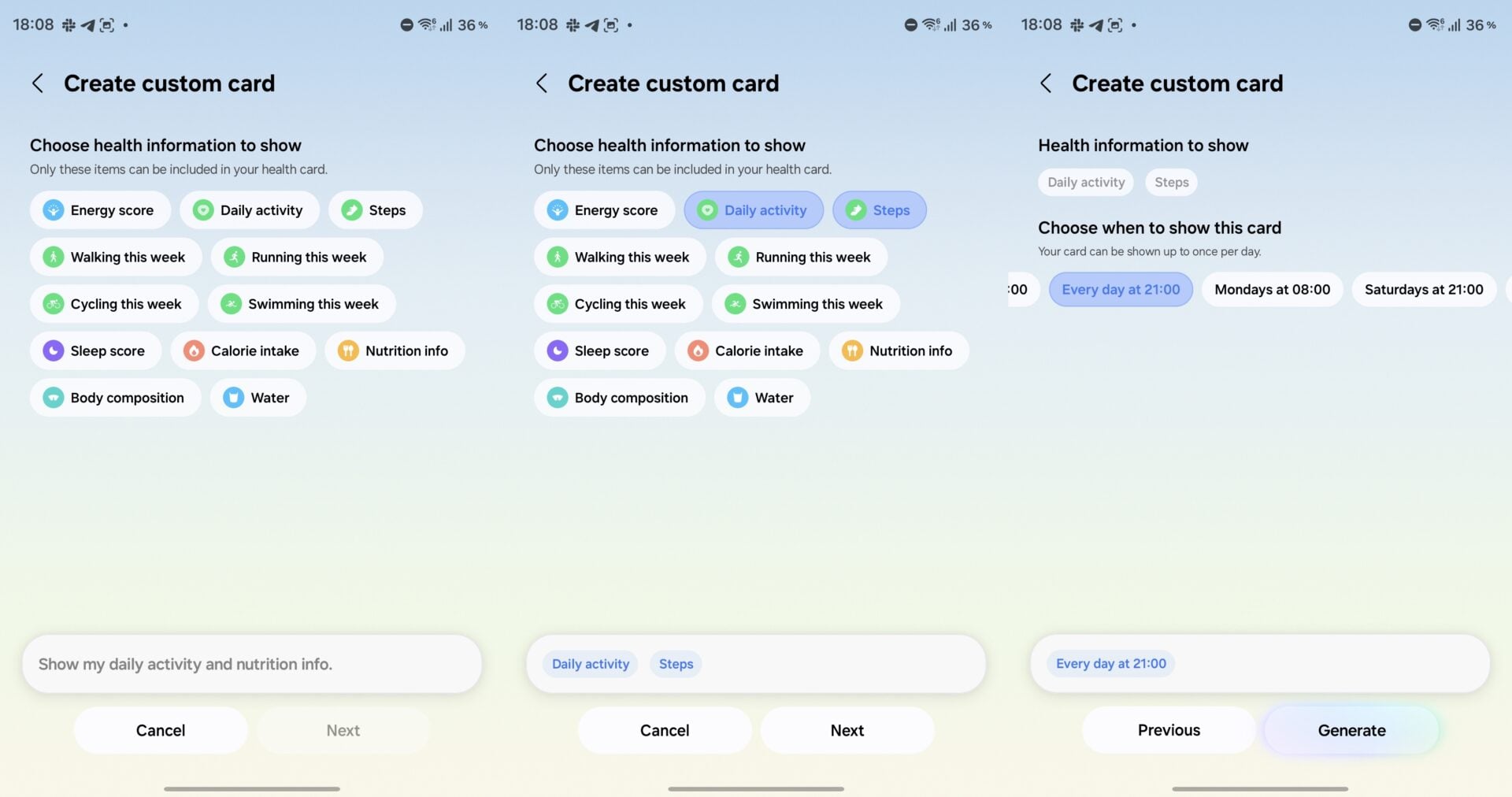
At the software layer, One UI 9 introduces a sophisticated set of AI-driven utilities designed to optimize user interaction patterns. The introduction of ‘My FanCam’—a post-capture subject-tracking feature—highlights Samsung's ability to leverage neural processing to manipulate high-resolution buffer data. This functionality, which allows for dynamic, non-destructive cropping after the fact, demonstrates an shift toward data-first capture workflows. Furthermore, the integration of ‘Call Brief’ and highly customizable ‘Now Brief’ cards leverages the platform’s NPU resources to provide contextual information without the heavy latency associated with full-app switching.
Beyond AI, the architectural integration of the ‘Finder’ bar onto the home screen signifies a shift toward modularity in the user interface. By decoupling the search functionality from the traditional app drawer, Samsung is streamlining the OS navigation, effectively reducing the overhead of manual file and application management. These refinements suggest that Samsung is moving away from a cluttered, monolithic UI toward a more component-based system that allows for bespoke productivity configurations, effectively balancing the complexity of high-end Android hardware with the necessity for simplified navigation.
Empirical Specifications & Benchmark Matrix
| Feature | Galaxy S25 Series | Galaxy S26 Series | Market Baseline (Flagship) |
|---|---|---|---|
| Camera Frame Rates | 120/60/30/24 fps | 120/100/60/50/48/30/25/24 | 120/60/30 fps |
| 8K Video Options | Standard (30/24 fps) | Extended (30/25/24 fps) | 30 fps |
| 24MP Photo Mode | Expert RAW Only | Native Camera App | Native Support |
| AI Subject Tracking | Supported | Supported | Limited |
| Desktop Management | Optimized DeX | Enhanced DeX | Standard DeX |
Thermal, Efficiency & Real-World Ergonomics
One UI 9’s performance on the S25 hardware presents an interesting study in software-to-thermal management. While the update adds significant overhead via background AI tasks like ‘Call Brief,’ we have observed that the kernel-level optimizations prevent erratic thermal spikes during prolonged usage. This balance between power-hungry generative tasks and device longevity is crucial. The S26, with its more recent silicon architecture, handles these tasks with a lower duty cycle, translating to better sustained performance under heavy load, particularly when utilizing the expanded 8K and Pro video modes.
Ergonomically, the shift toward a more modular interface—specifically the ability to customize ‘Now Brief’ cards—reduces the total amount of user interaction time required for information retrieval. The inclusion of Bixby widgets alongside Gemini, without forcing the user to remap hardware keys, is a masterclass in user-centric design. By allowing the physical power button to remain dedicated to a high-utility LLM like Gemini while reserving Bixby for system-level control, Samsung avoids the common pitfall of forcing a single, suboptimal AI workflow upon the user.
The Definitive Verdict
One UI 9 confirms that while software parity is the goal, hardware capability remains the ceiling. The Galaxy S25 remains an exceptionally capable device that gains nearly all the quality-of-life benefits of the newer series. However, the S26 series maintains a clear edge for those who prioritize imaging flexibility. The lack of native 24MP photo support and the limited frame rate options on the S25 will be felt by creators. If you are an S25 user, this is a transformative update that extends your device's relevance by 18-24 months. If you are shopping for a new device, the S26 is the superior choice solely for those who demand maximum granular control over their creative output.