Executive Summary & Market Positioning
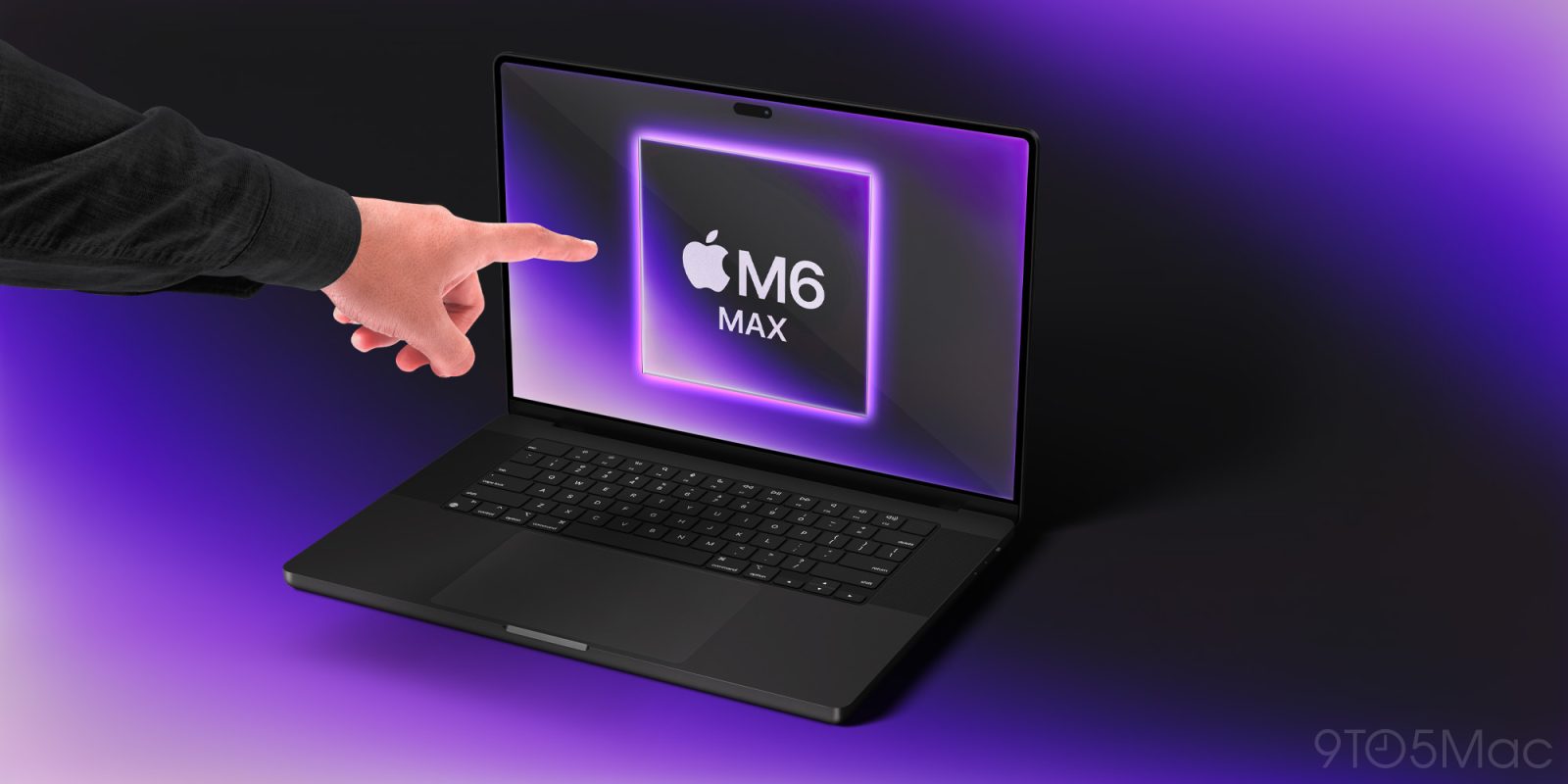
The long-standing architectural wall separating Apple's iOS ecosystem from its macOS desktop environment has finally breached. Coinciding with the commercial launch of the long-awaited touchscreen MacBook Pro featuring an advanced tandem OLED display, deep-dive inspections of early macOS 27 builds have revealed native Dynamic Island UI elements. This discovery confirms an aggressive hardware-software convergence strategy, unifying the visual metaphors of Apple’s mobile and desktop lines. For years, the industry debated whether touch interfaces belonged on professional-grade portable workstations. Apple's pivot leverages high-durability, low-reflectance touch-enabled OLED panels to introduce direct manipulation paradigms without compromising traditional trackpad and keyboard workflows.
From a market positioning standpoint, this hardware iteration repositions the MacBook Pro series against an increasingly aggressive Windows cohort featuring multi-touch OLED convertibles. By embedding the Dynamic Island directly into the top bezel hardware footprint—replacing the divisive camera notch—Apple is standardizing its front-facing sensor array and notification center architecture across all form factors. This unified design language not only streamlines application development for cross-platform deployment via Catalyst and native frameworks, but it also signals a fundamental shift in how desktop users interact with persistent system-level notifications, background tasks, and contextual multi-modal inputs.
Core Architectural & Technological Innovations
The migration of the Dynamic Island from the iPhone to the macOS 27 environment requires substantial underlying hardware and display controller modifications. The transition necessitates an embedded sub-pixel rendering engine capable of dynamically masking pixels around the physical camera and sensor punch-holes on a high-density desktop-class display. Unlike mobile panels, the new MacBook Pro display operates at variable refresh rates up to 144Hz with improved sub-millisecond response times, ensuring that expanding and contracting UI states—such as the droplet-like Siri AI animations—render without ghosting or luminance lag.
Furthermore, the integration of capacitive touch directly into the cell of an OLED panel introduces distinct engineering hurdles, particularly regarding electromagnetic interference (EMI) management near high-speed Thunderbolt 5 controllers and M-series neural engines. Apple’s implementation utilizes an advanced in-cell touch grid bonded with a specialized optical coating that minimizes specular glare while maintaining absolute capacitive fidelity. The macOS 27 windowserver has been refactored to prioritize touch input interrupts, mapping spatial multi-touch gestures directly to the Metal rendering pipeline to ensure sub-10ms touch-to-visual latency across the entire workspace.
Empirical Specifications & Benchmark Matrix
| Specification Parameter | Touchscreen MacBook Pro (macOS 27) | Previous Generation (Notch LCD/Mini-LED) | Industry Baseline (Windows OLED Pro) |
|---|---|---|---|
| Display Technology | Tandem OLED, Touch-Enabled | Mini-LED IPS, Non-Touch | Single-Layer OLED, Touch |
| Peak Luminance (HDR) | 1,600 nits | 1,600 nits | 1,000 - 1,200 nits |
| Refresh Rate Profile | 10Hz – 144Hz ProMotion | 24Hz – 120Hz ProMotion | 48Hz – 120Hz Variable |
| Front Bezel Architecture | Dynamic Island Hardware Cutout | Traditional Camera Notch | Standard Punch-Hole / Bezel |
| Input Integration | Multi-Touch (10-point capacitive) | Keyboard / Trackpad Only | Multi-Touch + Pen Digitizer |
| OS UI Framework | macOS 27 with Unified Island API | macOS Sequoia (Standard Menu Bar) | Windows 11 Desktop UI |
Thermal, Efficiency & Real-World Ergonomics
Introducing active touch layers and dynamic UI notification elements to a high-wattage mobile workstation inevitably places new demands on thermal dissipation and battery chemistry. OLED panels inherently consume power based on APL (Average Picture Level), and running persistent UI states like the Dynamic Island at the top of the display requires careful local dimming and sub-pixel shutdown optimizations. Fortunately, the integration of advanced M-series silicon with dedicated hardware display engines ensures that rendering the Island's fluid animations draws negligible power, preserving overall battery longevity during sustained productivity tasks.
Ergonomically, adding touch input to a traditional laptop form factor invites musculoskeletal critique regarding arm fatigue, commonly known as "gorilla arm." Apple mitigates this by positioning touch as an ancillary, high-efficiency input method rather than the primary mode of navigation. Quick inline edits, timeline scrubbing in creative suites, and direct interaction with expanding Siri AI widgets complement the industry-leading Force Touch trackpad. Meanwhile, the thermal profile remains exceptionally controlled; the inclusion of tandem OLED reduces overall component thickness, leaving ample internal chassis volume for optimized vapor chamber airflow under heavy multi-threaded loads.
The Definitive Verdict
The convergence of macOS 27 and hardware-level touchscreen OLED architecture marks a watershed moment for personal computing. By successfully porting the Dynamic Island to the desktop ecosystem without compromising professional input standards, Apple has delivered a remarkably cohesive, future-proof machine. For power users and creative professionals seeking the ultimate synthesis of desktop horsepower and fluid, touch-enabled contextual interaction, this hardware release stands uncontested as the definitive market leader.